JoySynth
A downloadable tool for Windows
Turn Your Game Controller Into a Musical Instrument
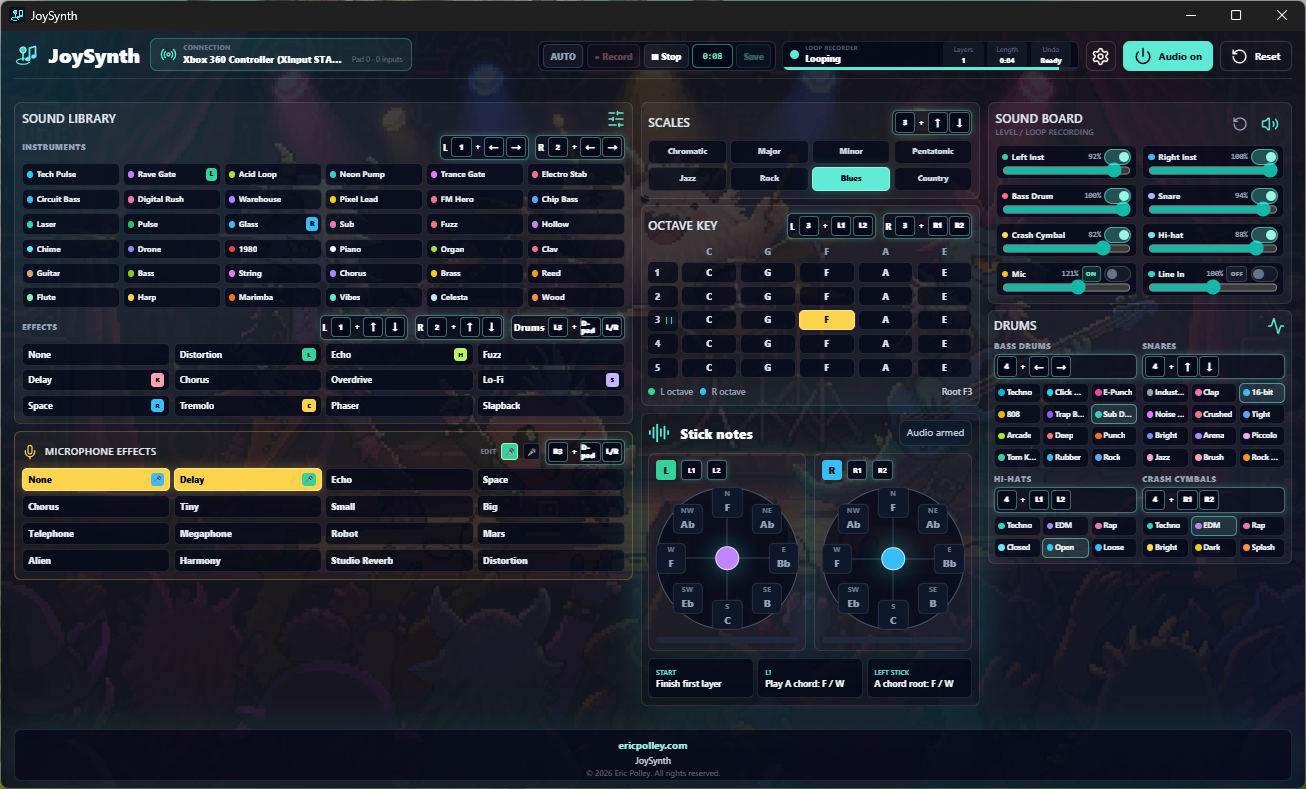
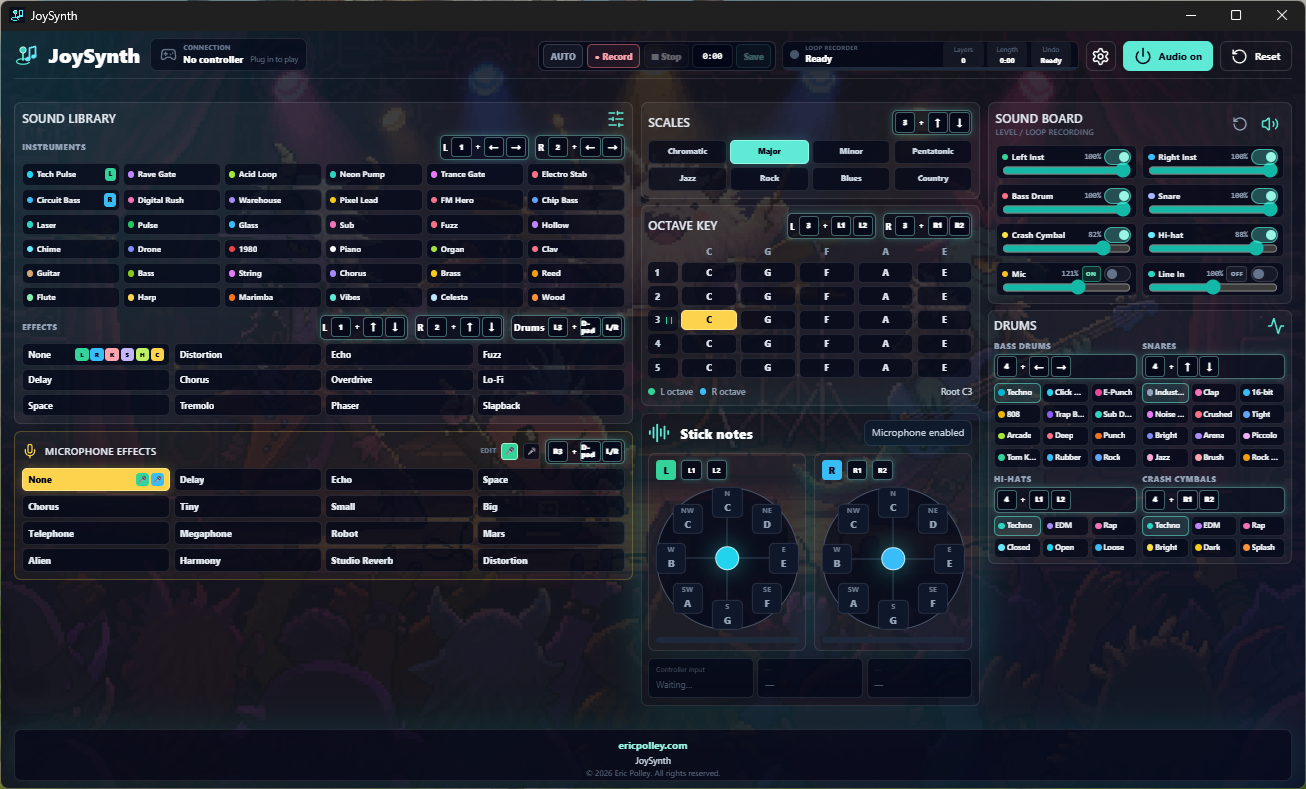
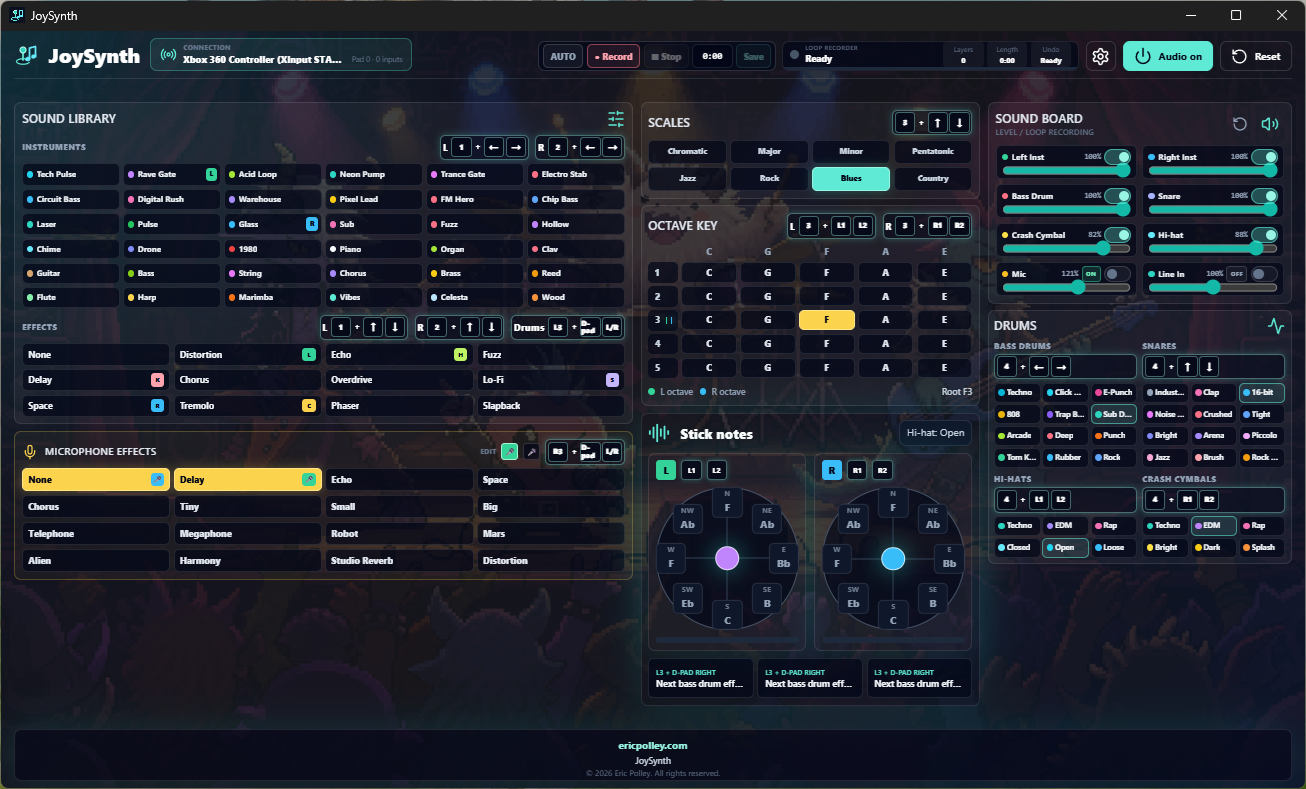
JoySynth is a Windows music application that transforms a compatible USB game controller into a complete playable instrument.
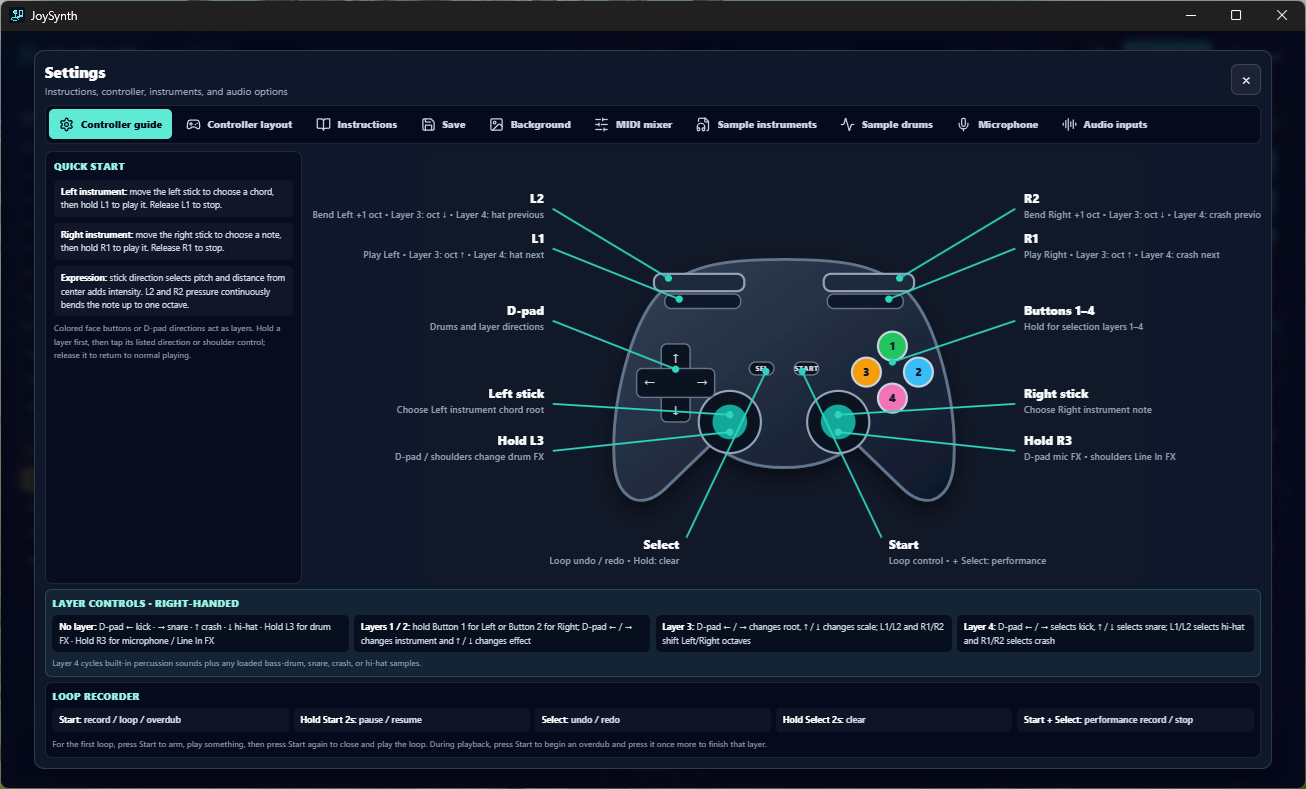
Use the analog sticks to select chords and notes, press the shoulder buttons to play, add drums with the D-pad, and build complete songs using the built-in loop recorder. JoySynth is designed to make creating music immediate, visual, and fun—even if you’ve never played a traditional keyboard.
Play Music With a Controller
The left side of the controller plays chords while the right side plays individual notes and melodies. The distance and direction of each analog stick determine what you play, while the triggers can bend notes continuously by up to an octave.
Choose a key, scale, octave, instrument, and effects to create your own sound. Available scales include Major, Minor, Chromatic, Pentatonic, Jazz, Rock, Blues, and Country.
Build Layered Loops
Create complete musical loops without leaving the controller.
Start with a drumbeat, add chords, record a melody, and continue overdubbing additional layers. JoySynth includes controls for pausing, undoing, redoing, and clearing your loop.
When you’re happy with your performance, record and save the finished song as an audio file.
Features
- Play chords and melodies using two analog sticks
- Two independently selectable instruments
- A large collection of synthesizers, basses, acoustic instruments, and experimental sounds
- Built-in bass drums, snares, hi-hats, and crash cymbals
- Multiple musical keys, scales, and octave ranges
- Pressure-sensitive pitch bending with supported triggers
- Effects including distortion, delay, chorus, echo, fuzz, phaser, tremolo, lo-fi, and more
- Multi-layer loop recording and overdubbing
- Undo, redo, pause, resume, and clear loop controls
- Record and export complete performances
- Import custom instrument samples
- Import custom drum and percussion samples
- Microphone recording and monitoring
- Vocal effects including harmony, robot, telephone, megaphone, reverb, and more
- Line-in and additional USB audio input support
- Individual volume and loop controls for each sound source
- Optional MIDI mixer control
- Right-handed and left-handed controller layouts
Add Your Own Sounds
Import short WAV, MP3, or OGG samples and use them as playable instruments. JoySynth automatically pitch-shifts instrument samples across the available controller notes.
You can also import custom bass drums, snares, crash cymbals, and hi-hats. Uploaded sounds become part of the normal sound-selection cycles alongside JoySynth’s built-in instruments.
Add Vocals and Live Instruments
Connect a microphone to record vocals directly alongside your controller performance. Apply effects such as harmony, distortion, robot, delay, or studio reverb before adding the vocals to a loop or finished recording.
JoySynth can also monitor line-in devices, USB audio interfaces, guitars, keyboards, mixers, phones, and compatible USB or XLR audio equipment. Each connected source receives its own volume and loop controls.
An Instrument Made for Experimenting
JoySynth isn’t a traditional DAW or piano simulator. It is a different way to explore music through controls that already feel familiar.
Whether you want to build electronic loops, experiment with new sounds, create music for a game, improvise for fun, or simply see what a game controller can become, JoySynth gives you a quick and approachable place to start.
Connect your controller, turn on the audio, and start making music.
Requirements
- Windows PC
- Compatible USB game controller or bluetooth controller
- Audio output device
- Microphone or audio-input equipment is optional
Download
Click download now to get access to the following files:
Development log
- JoySynth is available to Download !6 hours ago
Comments
Log in with itch.io to leave a comment.
this is crazy, I was literally just asking the other day why someone hasn't tried this yet.
🤣 awesome! Did you picture it looking like this?
Let me know what you think about it. 🤔💭